


The weekly Epic Games store publishes games for free; Learn to download to your computer or notebook

Who can buy free Epic Games stores?
Every Thursday, around 12 noon (Brasília Time), Epic Games Store selects certain games of its platform and publishes them for free. Free games are available until the following Thursday, when new free titles are added.

Once you have added the games to your account, they are permanently installed in your library, without time limit. But beware, you have 7 days to add the game of your interest in your library before it is replaced by another. To access this advantage, you must register for Epic games, with email and password.
Games offered for free by store manage known and high quality titles to those who are less known or independent. Large titles like GTA V, Civilization VI, Metro Exodus have already appeared on the list of free games.
It should be noted that after having saved a free game in Epic Games Store, you must download the game to your computer so that you can play it. When you add the game to your library, it is available for you in the store, but is not automatically downloaded.
Read also:
How to save a free game at Epic Games?
Time required: 5 minutes
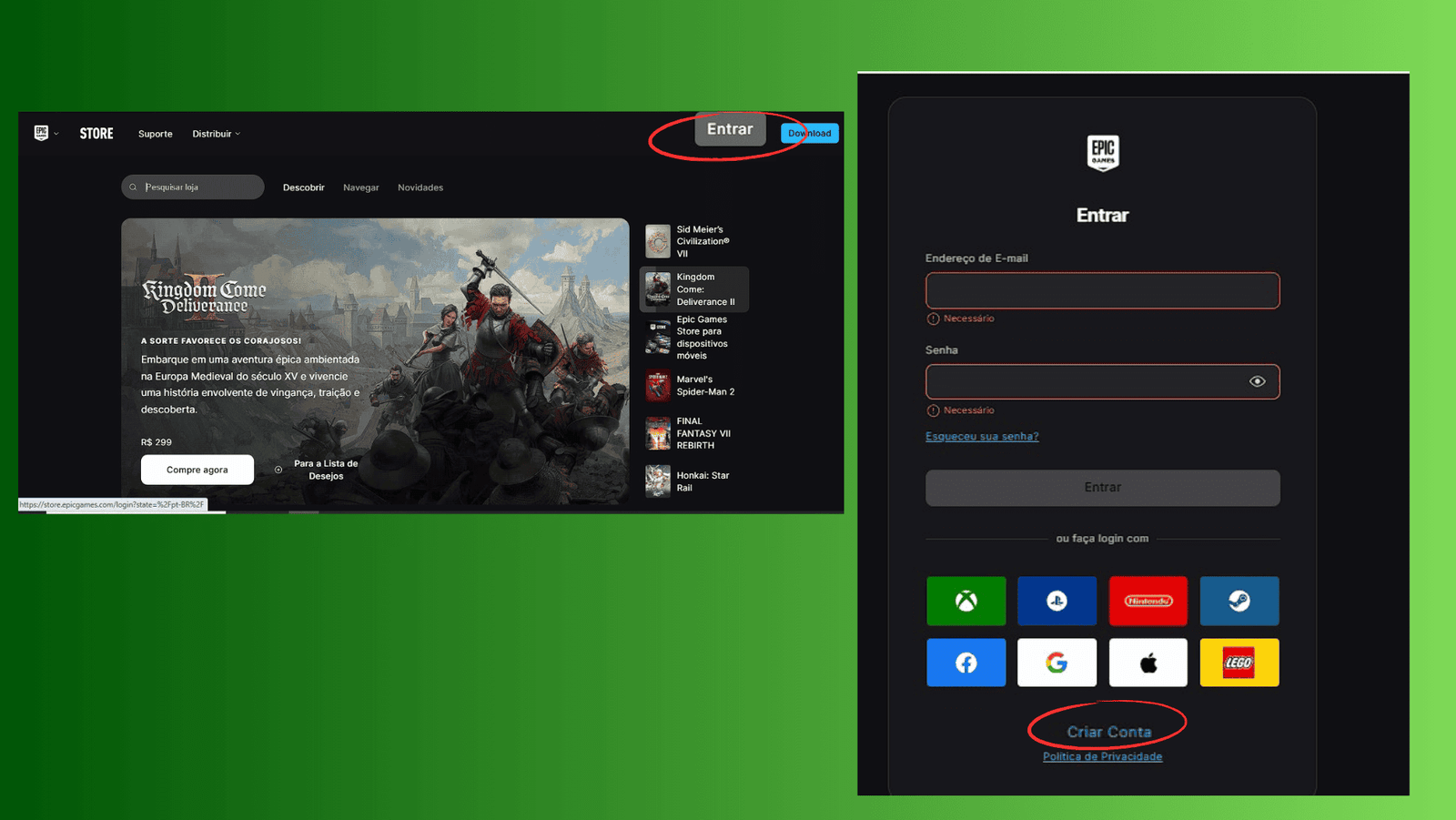
- Create or connect to your Epic Games account
If you don’t have an account yet, click here and create one. Otherwise, just connect to the online platform.
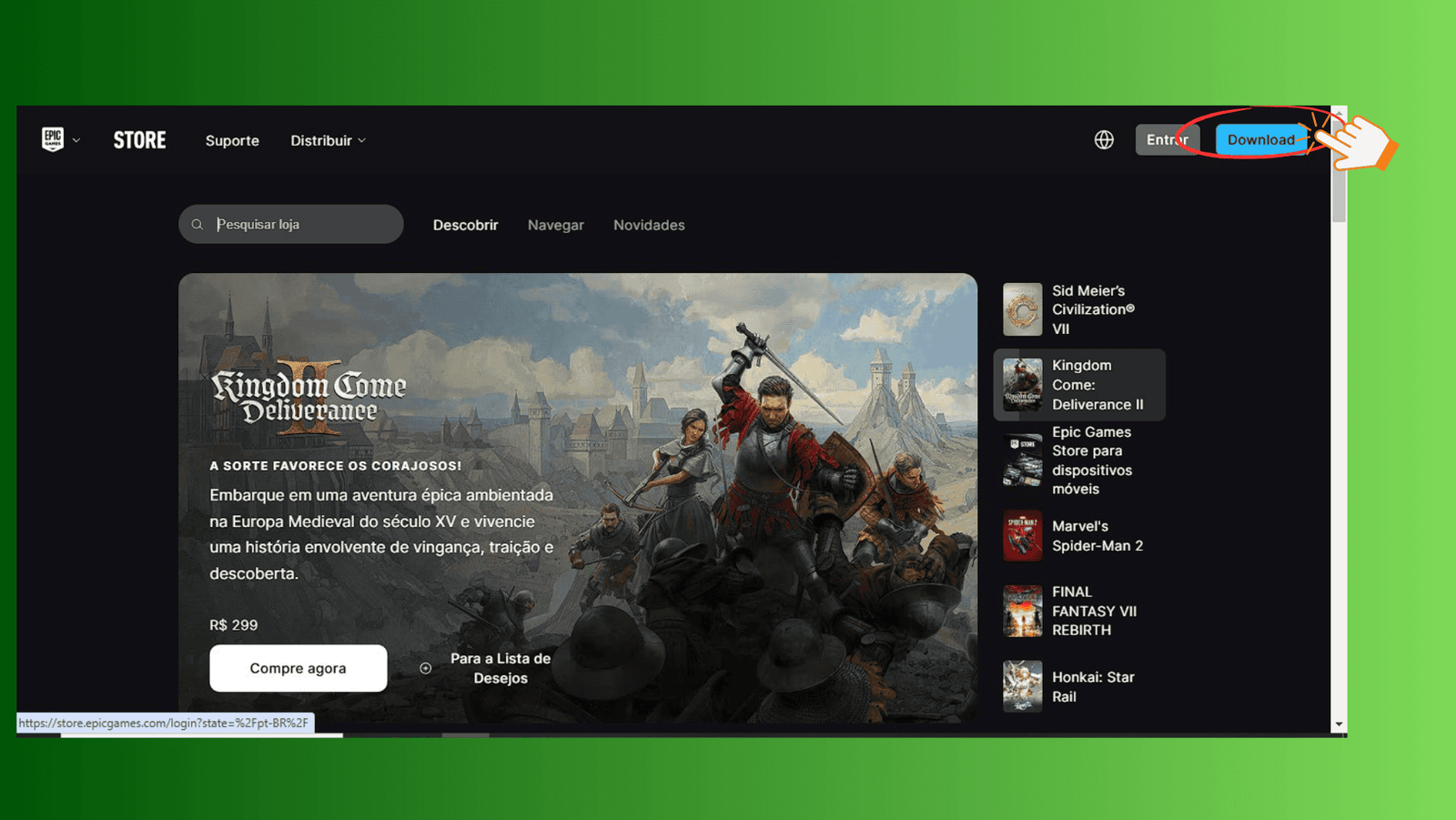
- Download Epic Games Launcher
To access the store and games, you will need the Epic game launcher. Download and install the application to your computer. After installation, open the launcher and log into your account.
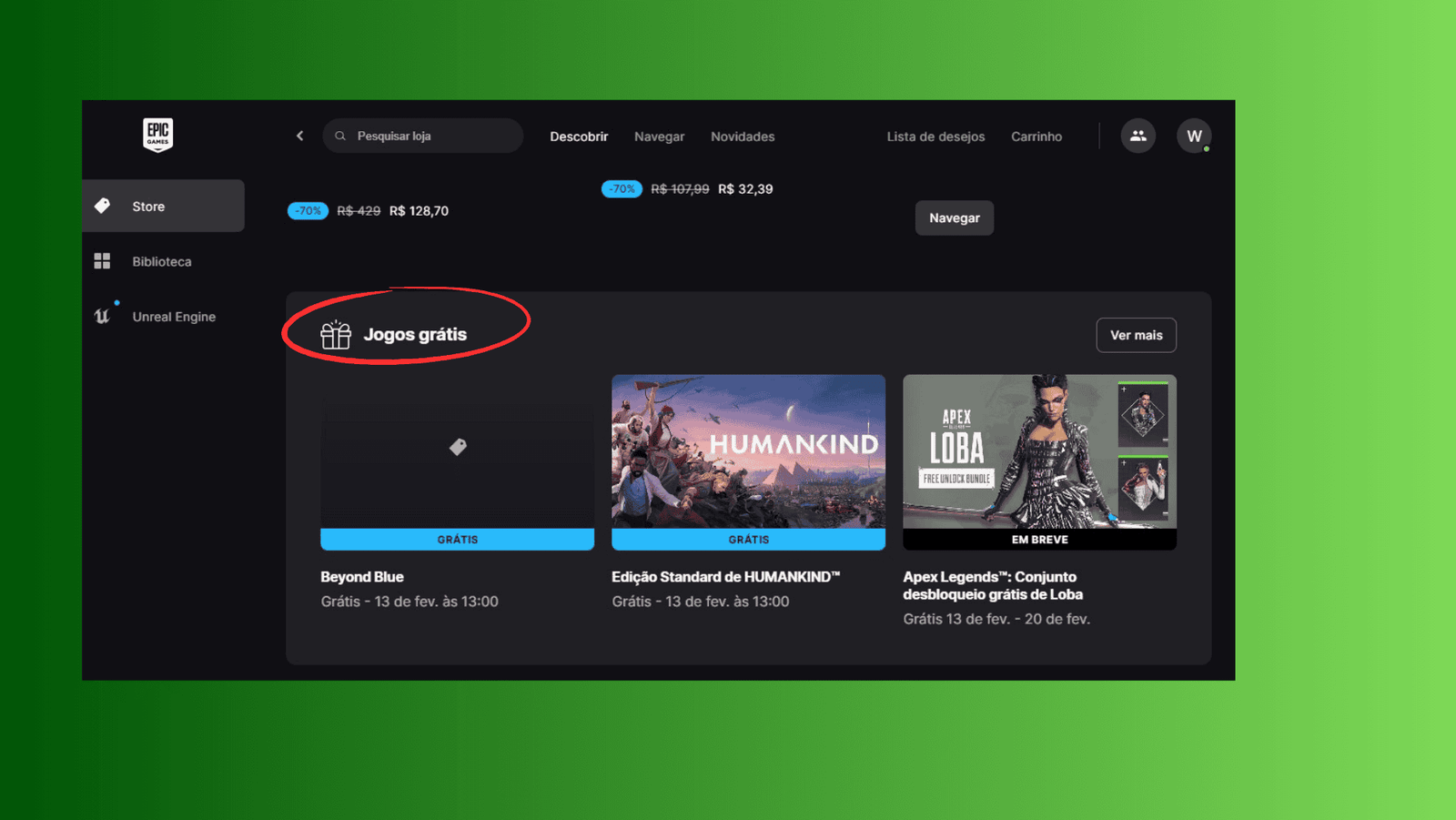
- Find free games
After opening the Epic Game Lancher application, run the mouse: you will find the “Free Games” tab and there will be the games available for download for free.
- Click on the game you want to save
Click on the free game title you want to exchange. You will be directed to the game page. You click on “Get”.

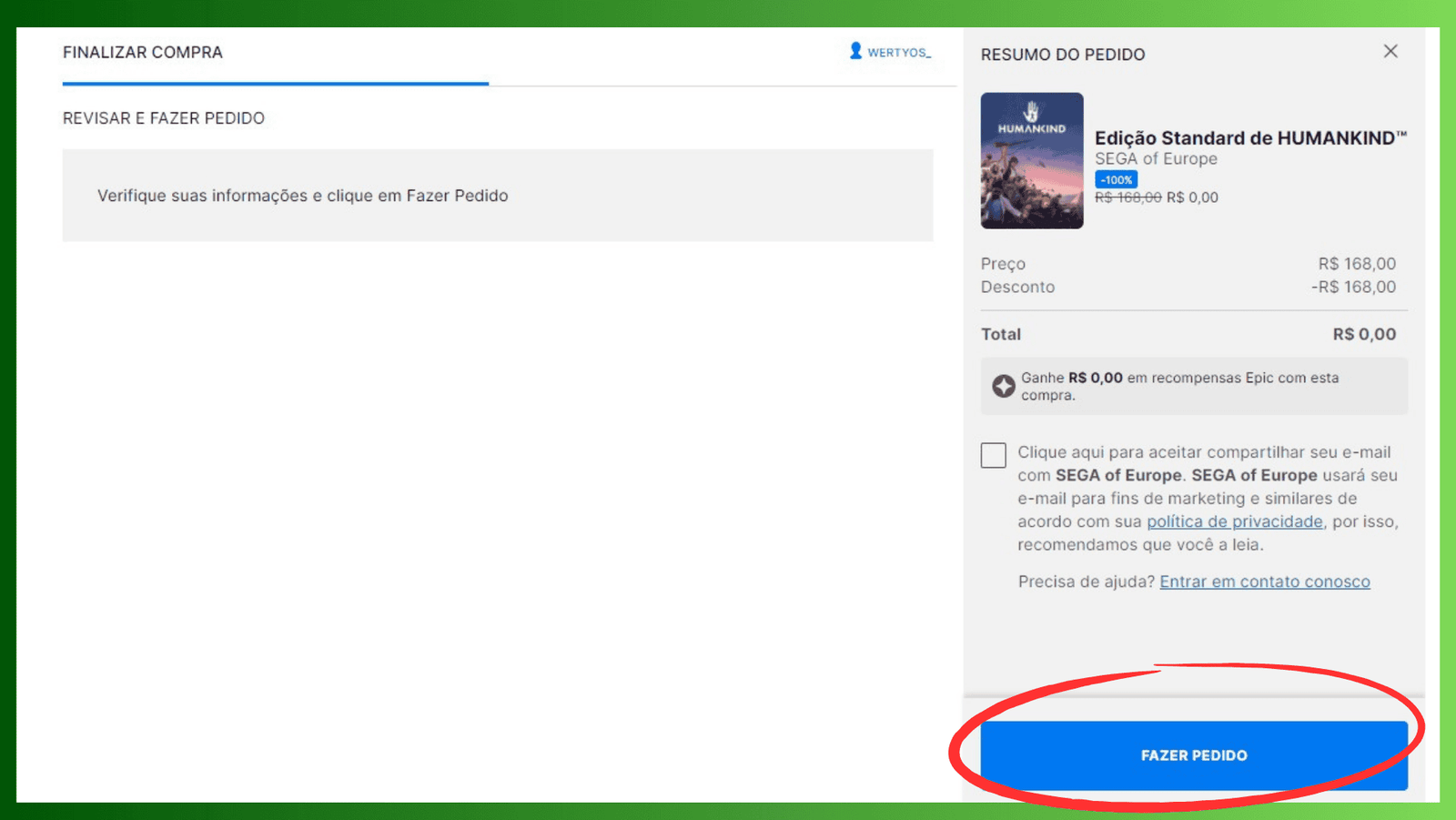
- Confirm the purchase
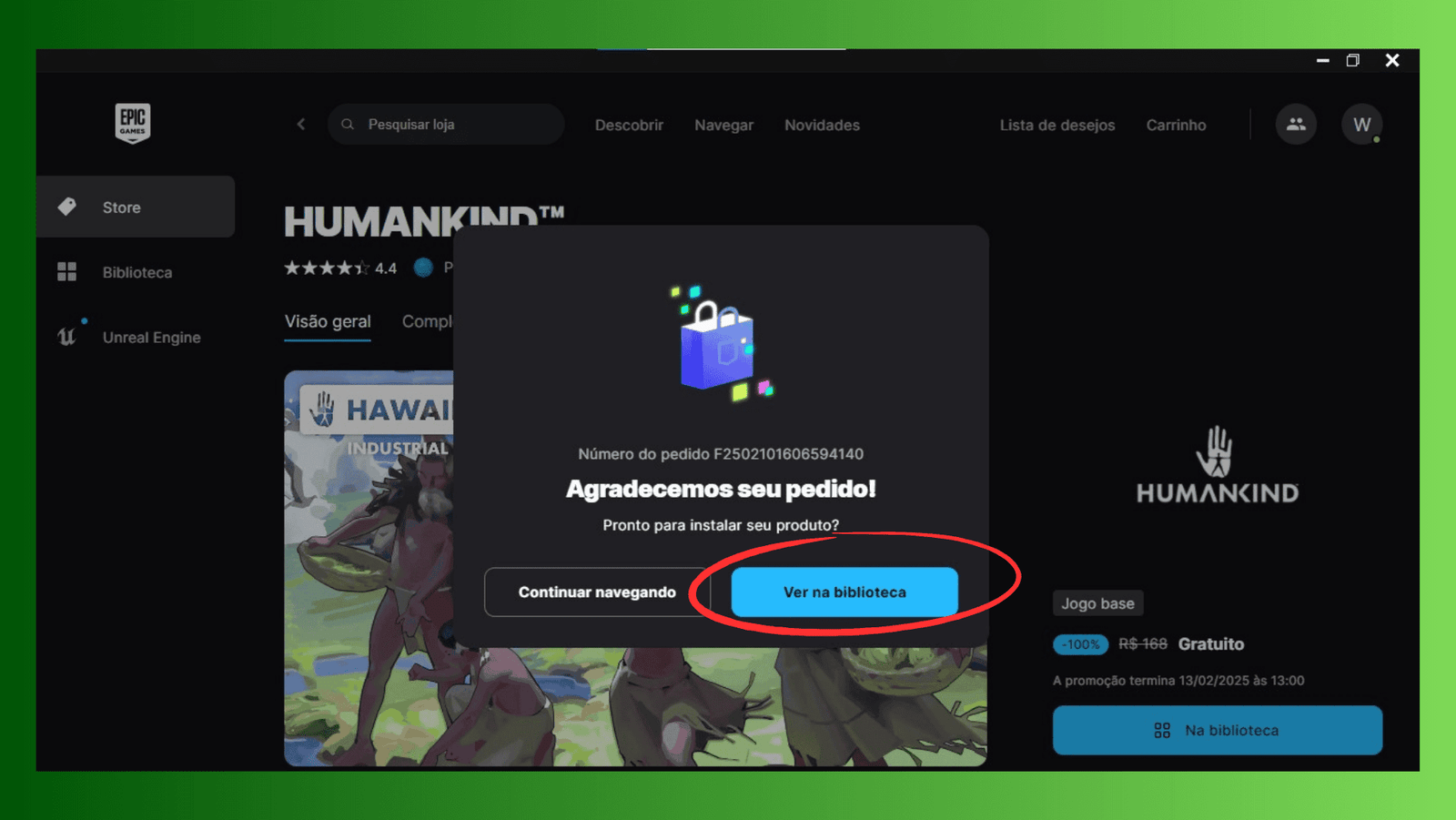
You will be directed to a page to confirm the rescue of the game. At this point, you click on “Command”.
- Conclude the process
After stating, the game will be added to your game library at the Epic Games store.
- Play when you want
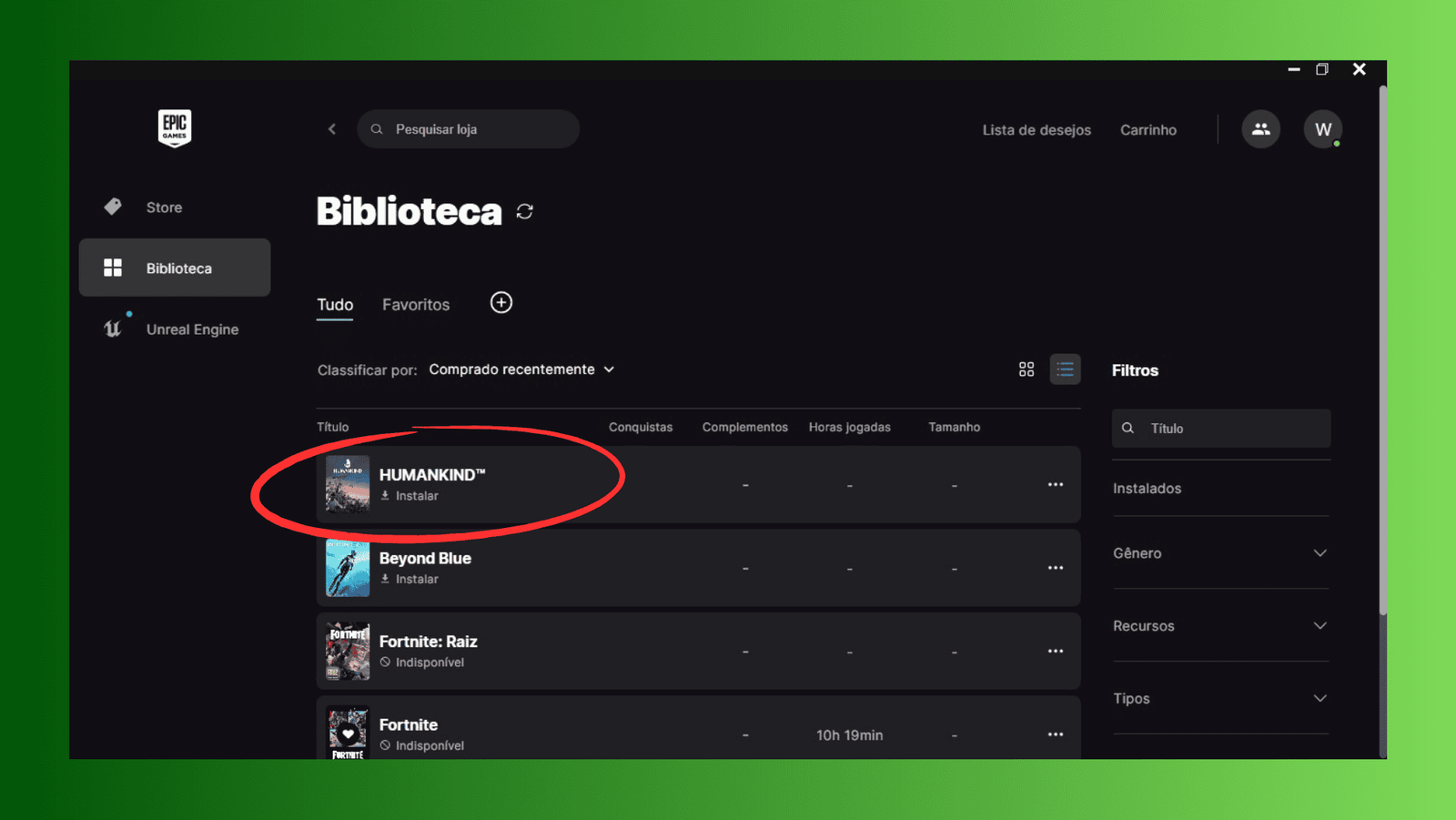
You can download it to the computer or notebook and play it at any time. Just click on “Install”.


Add a Comment