
PlayStation was 30 years old and Sony has published special themes to celebrate

In early December, PlayStation finished 30 years of history, collecting several emblematic games and consoles that were part of the lives of millions of users over time. Without a doubt, video games are in memory of many of us at various times.
To celebrate, Sony has published a surprise update full of nostalgia for players who grew up playing the company’s video game. There is a package that allows the partial modification of the PS5 design, with themes created by thinking about the appearance of previous generations, from PS1 to PS4.
Find out more:
If you want to take advantage of the update themes in limited time on your PS5, see a tutorial to learn how to activate them on the console.
What are the PS5 special years?
The special themes of 30 years of PlayStation are a surprise update of Sony, to celebrate the birthday of the console. In addition to the themes, a starter screen is also available in the classic opening of the PS1.
Each themes have solid effects inspired by the honored generation. To take advantage of this nostalgia, however, it is important to be fast: themes and animations will be available for a limited period, even if Sony has not confirmed a breakdown.
Learn to activate the special 30 -year PlayStation themes on PS5
Time required: 4 minutes
- Make sure the PS5 is up to date;
If the automatic update is not selected, download it manually;
- The console must be connected to the Internet, via cable or Wi-Fi, so that the content is downloaded;
- The video game will be restarted.
Then follow what is on the screen until it starts to work again;
- When the PS5 starts again, you will realize that “the opening” has been modified;
Now it starts in the same way as what was done on PS1 30 years ago.
- On the home screen, select Settings in the upper right corner (equipment icon);

- At the top of the list, you can see the “30th anniversary of PlayStation”. It is in this area that special themes are;
Click on the nostalgic icon of the PS;
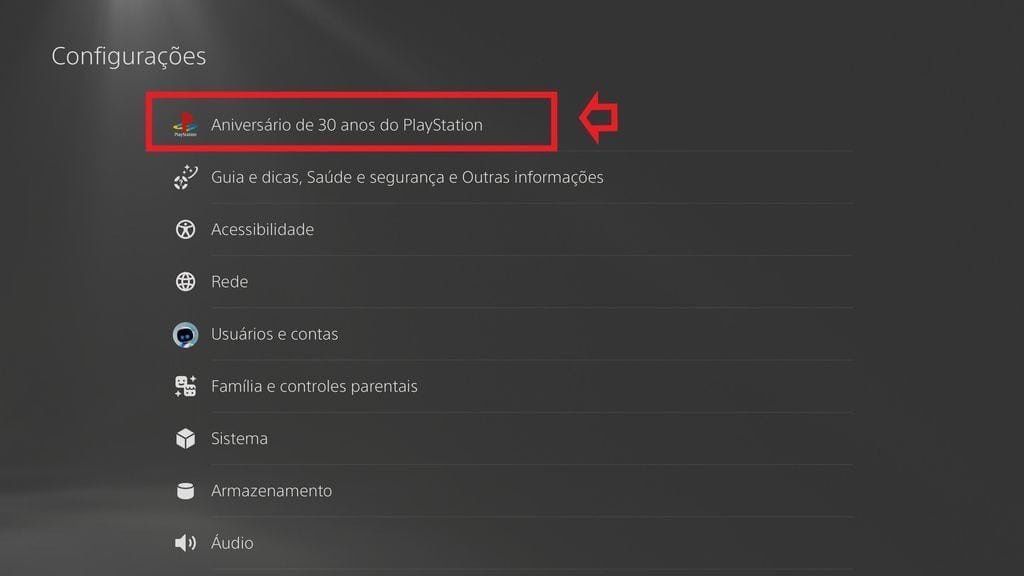
- A new menu will appear with a single button and a viewer at the bottom;
By clicking on it, you will have access to all special PS5 theme options on the screen;

- Ready!
You can now select one of the themes available to celebrate the 30th anniversary of PlayStation.
What are the special themes of 30 years of the PS5?
To celebrate the 30 years of history, the PS5 can be personalized with 5 themes:
30th anniversary
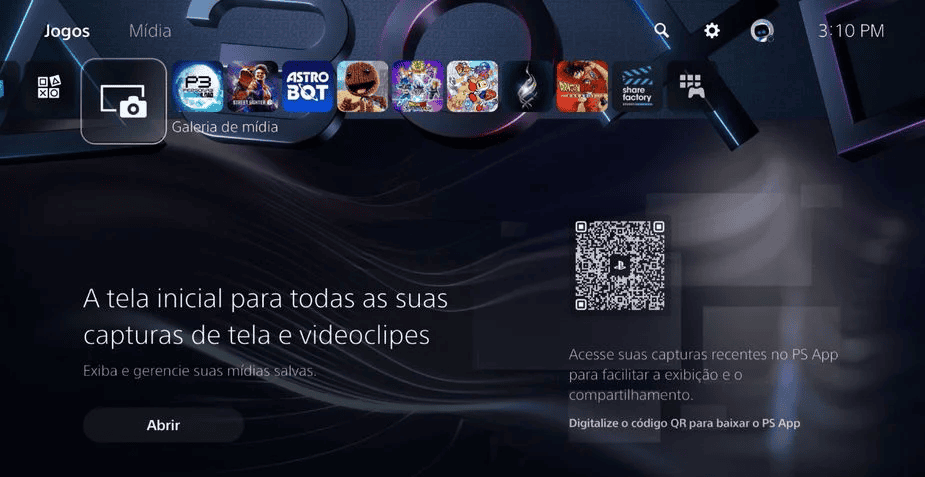
Playstation
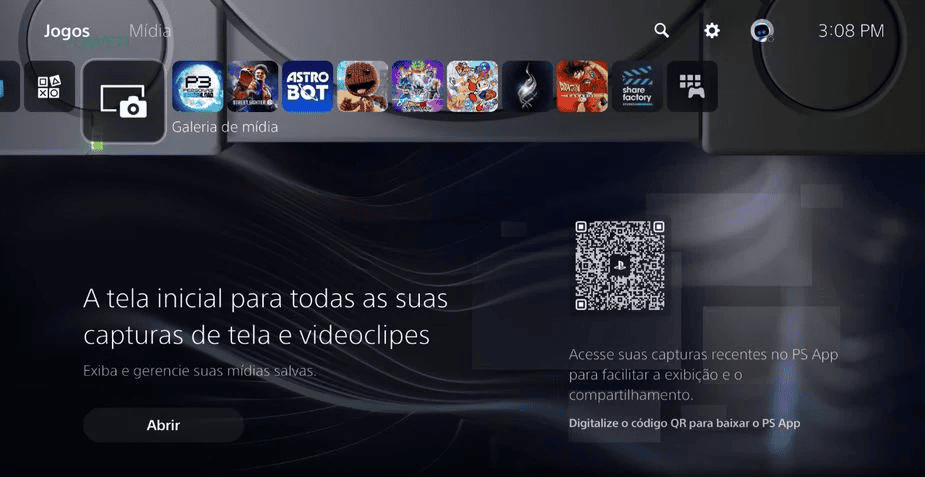
PlayStation 2
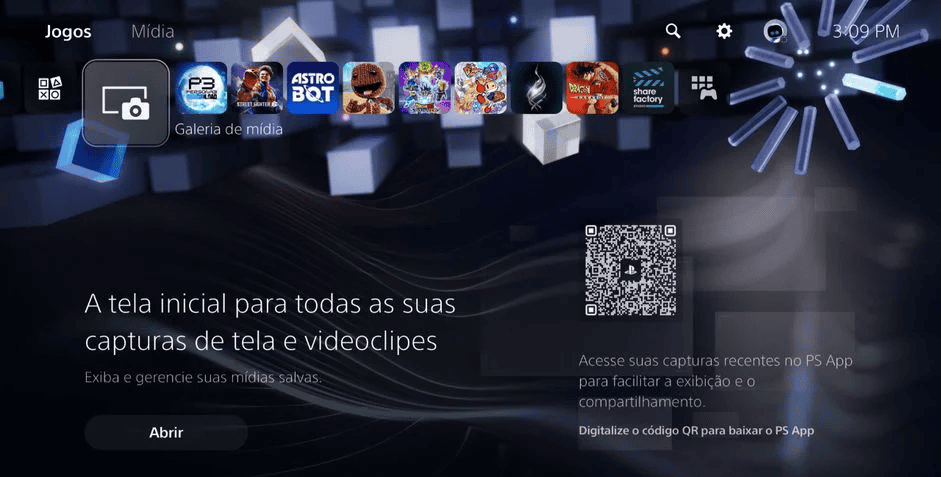
PlayStation 3
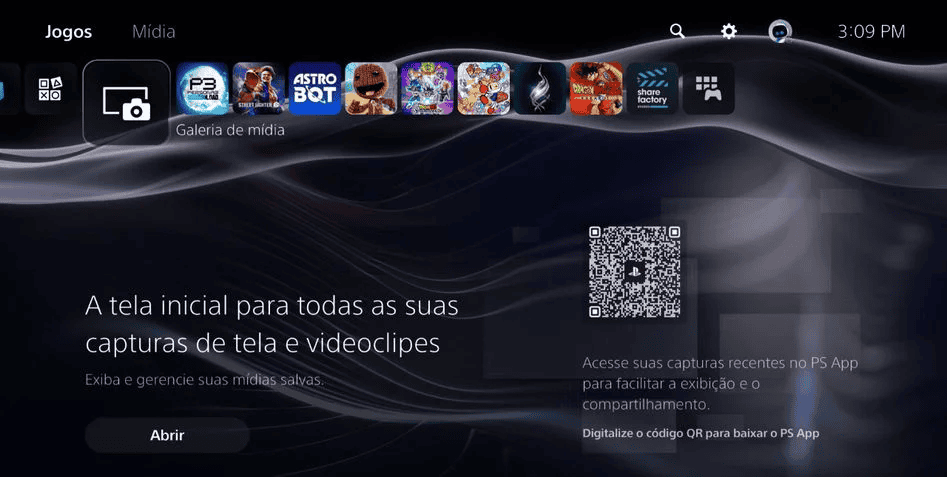
PlayStation 4
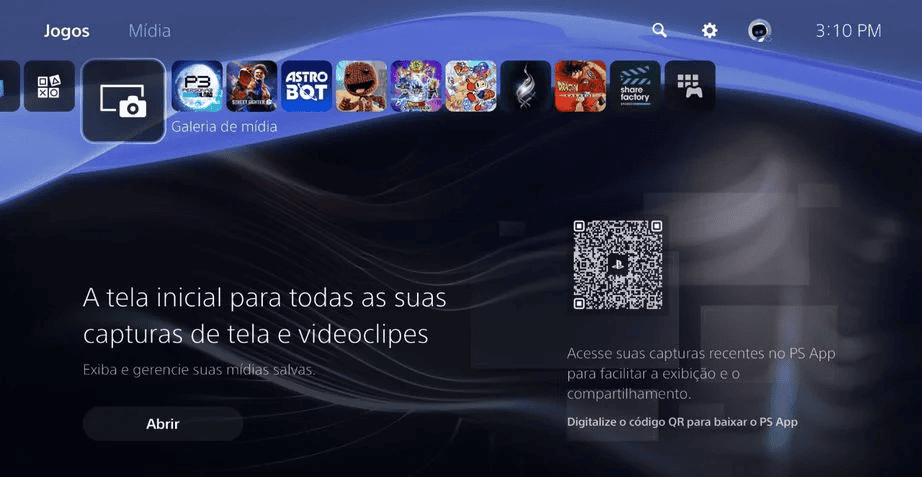
In addition to the gift and celebration gift update, PlayStation also published a video thanking and honoring players for the 30 years of support (see below). There is also a birthday promotion until December 20, with several games offered on the PlayStation Store.

Collaboration for the digital look

Camila Oliveira has been a journalist since 2012. Curious and agitated, she has crossed several editorials and has also worked in other fields. Today, she is a collaborator of the digital look and written on what she likes most.

Editor
Layse Ventura is a journalist (UERJ), master in engineering and knowledge management (UFSC) and BI Postgraduate (Conquér). He accumulates almost 20 years of experience as a journalist, editor and SEO.